Cracking the Code: Exploring the World of Firmware
Firmware is a class of software that provides low-level control for a device’s specific hardware. Firmware serves as a bridge between hardware and software, ensuring that the components of a device operate as intended. Think of firmware as a device’s basic instruction manual, embedded directly into its core to guide its fundamental operations.
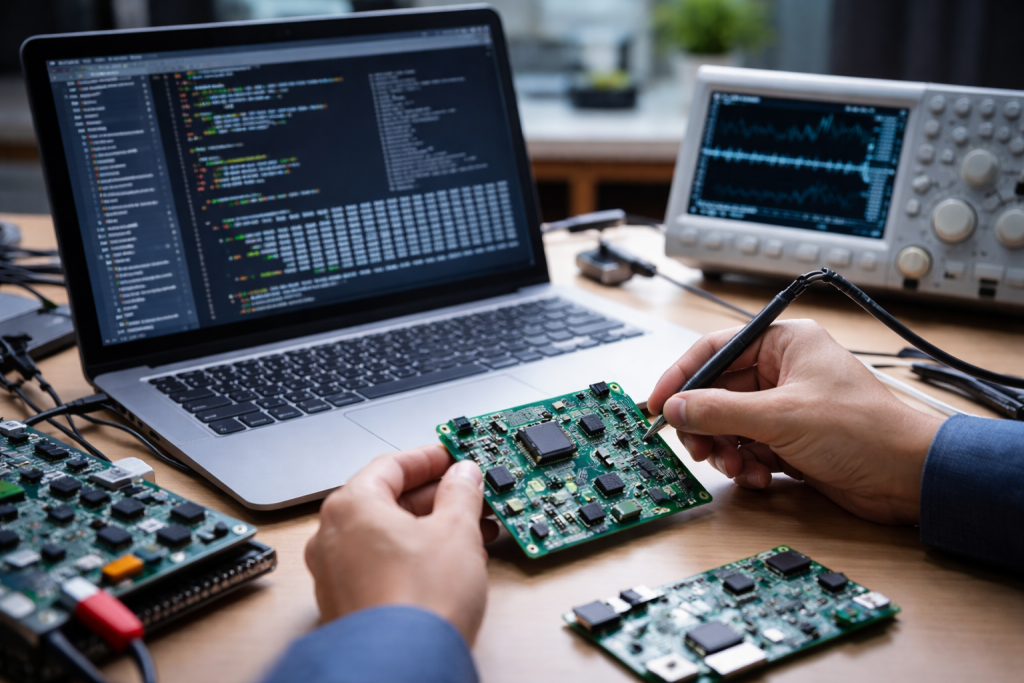
Firmware is permanent software programmed into a read-only memory (ROM) device. It is a set of instructions that a device’s processor uses to power up, initialize its components, and perform its core functions. Firmware, unlike applications you install, typically avoids end-user interaction. It operates silently in the background, essential for the hardware’s proper operation.
The Firmware-Hardware Relationship
Imagine a symphony orchestra. The hardware components are the instruments—the violins, trumpets, and drums. The firmware is the conductor’s score, dictating how each instrument plays its part, when it starts, and when it stops. Without the score, the instruments might make noise, but they wouldn’t produce a coherent melody. Similarly, without firmware, a device’s hardware is just inert circuitry. The firmware initializes memory controllers, configures peripheral devices, and establishes communication protocols. It’s the first piece of software to execute when a device powers on, before any operating system loads.
Firmware versus Software
While both are types of programs, firmware and software differ in their purpose and implementation. Software, such as operating systems or applications, is typically more dynamic, user-facing, and easily modified. You can uninstall and reinstall applications, and operating systems receive frequent updates. Firmware, conversely, is less dynamic. It resides in non-volatile memory chips, making it more resistant to casual modification. Its primary role is to provide foundational services to the hardware, not to offer a rich user experience. Updating firmware is a more involved process, often requiring specific tools and procedures, due to its deep integration with the hardware. Incorrect firmware updates can brick a device, rendering it unusable.
Firmware is ubiquitous. It powers everything from simple remote controls to complex data center servers. Its criticality stems from its essential role in enabling device functionality and ensuring security. Without robust firmware, modern technology would not operate reliably or safely.
Enabling Device Functionality
Consider a smartphone. Beyond the apps and the operating system, there’s firmware managing the cellular modem, the Wi-Fi chip, the camera sensor, and even the touch screen. This firmware instructs each part on how to turn on, communicate, and do its job. For example, the camera’s firmware handles image processing before the data even reaches the phone’s main processor and operating system. In an automotive context, firmware controls critical systems such as the engine management unit, anti-lock braking system, and infotainment system. Any malfunction in this firmware can have significant consequences.
Firmware and Security
Firmware is a primary line of defense against cyber threats. Because it operates at such a low level, before even the operating system fully loads, it presents a tempting target for attackers. Compromised firmware can allow an attacker to gain persistent control over a device, bypass security measures, and even install malicious code that an operating system-level antivirus might not detect. Secure boot mechanisms are crucial for preventing unauthorized software from running, as the firmware verifies the digital signature of the next loaded component. Regular firmware updates often include security patches that address discovered vulnerabilities, much like software updates fix bugs in applications.
Firmware serves as the operational blueprint for a device. Its accuracy and integrity directly impact how a device behaves and its resistance to threats.
Initializing Hardware Components
When you press the power button on any electronic device, the first thing that happens is the firmware booting up. This initial boot sequence is critical. The firmware performs a Power-On Self-Test (POST) to check if all necessary hardware components are present and functioning correctly. It then initializes these components, setting up their various registers and configuration values. Without this foundational step, the operating system would not know how to interact with the device’s hardware. For instance, the firmware on a hard drive controller tells the drive head where to move to read data; without it, the drive is just a spinning platter.
Managing Device Operations
Beyond initialization, firmware actively manages ongoing device operations. In a smart home device, for example, firmware handles communication protocols like Wi-Fi or Bluetooth, interprets sensor data, and executes commands received from a central hub. In a printer, firmware controls the movement of the print head, the flow of ink, and communication with the computer. These operations are often time-critical and require low-latency responses, which firmware is uniquely positioned to provide due to its close proximity to the hardware.
Developing firmware is a specialized field. It requires a deep understanding of computer architecture, low-level programming languages, and the specific hardware on which the firmware will run.
Low-Level Programming
Firmware is often written in low-level languages like C or even assembly language. These languages allow direct manipulation of hardware registers and memory, which is essential for precise control over a device’s components. Unlike high-level languages used for applications, firmware programming demands careful memory management and an awareness of processor cycles. Developers must optimize code for performance and memory footprint, as firmware often operates in environments with limited resources. Each line of code can have a significant impact on performance and stability.
Hardware-Software Co-Design
Firmware development is almost always a co-design process, tightly coupled with hardware design. Firmware engineers often work closely with hardware engineers from the initial stages of a product’s conception. The firmware must be tailored to the specific registers, memory organization, and peripherals of the chosen microcontroller or processor. Changes in hardware design often necessitate changes in firmware, and vice versa. This symbiotic relationship ensures that the hardware and software are optimized to work together seamlessly. Debugging firmware can be particularly challenging, often requiring specialized hardware debugging tools like in-circuit emulators, since traditional software debugging techniques are often not applicable at this level.
The deep integration of firmware with hardware makes it a persistent and valuable target for attackers. Securing firmware presents unique challenges.
Persistent Threats
A compromised firmware can be extremely difficult to detect and remove. Since firmware precedes the operating system, traditional security software running on the OS layer may not have the visibility to detect firmware-level malware. Furthermore, firmware infection can often survive operating system reinstallation, making it a persistent threat. Attackers can embed rootkits or backdoors into firmware, giving them a discreet and durable foothold in a system. These attacks are often sophisticated and require a high level of expertise.
Supply Chain Vulnerabilities
Firmware is often developed by multiple vendors and integrated into various components throughout the supply chain. This distributed development model introduces potential vulnerabilities. If any part of the supply chain is compromised, malicious code could be injected into the firmware before the device even reaches the end-user. Verifying the integrity of firmware from numerous sources is challenging. This risk has led to increased scrutiny of the firmware supply chain, with an emphasis on trusted suppliers and robust integrity checks throughout the manufacturing process.
Firmware continues to evolve, adapting to new hardware architectures, security threats, and technological demands.
Over-the-Air (OTA) Updates
Increasingly, devices are supporting Over-the-Air (OTA) firmware updates. This allows manufacturers to deploy security patches, bug fixes, and new features remotely, without requiring physical access to the device. OTA updates are crucial for the long-term security and functionality of devices, especially in vast deployments like IoT ecosystems. However, OTA updates also introduce new security considerations, as the integrity and authenticity of the update package must be rigorously validated to prevent malicious updates.
Trusted Execution Environments (TEEs)
Modern processors often incorporate Trusted Execution Environments (TEEs). A TEE is a secure area within a main processor that provides a more secure environment for sensitive code and data. Firmware plays a crucial role in establishing and managing these TEEs, enforcing their isolation from the less secure main operating system. This allows critical functions, such as cryptographic operations or biometric authentication, to be performed in an environment less susceptible to attack. The integrity of the TEE relies heavily on the integrity of the underlying firmware that initializes and manages it.
Given firmware’s critical role, proper management and updating are essential for device longevity and security.
Regular Updates
Treat firmware updates with the same importance as operating system or application updates. Manufacturers release firmware updates to address security vulnerabilities, improve performance, and add new features. Check the manufacturer’s official support channels periodically for available updates. Ignoring firmware updates leaves devices exposed to known security exploits. Think of it like maintaining your car; regular checks and updates prevent minor issues from becoming major problems.
Verify Sources and Maintain Backups
Always download firmware updates directly from the official manufacturer’s website or through trusted, in-device update mechanisms. Avoid third-party sites or unofficial sources, as these may distribute modified or malicious firmware. Before performing a firmware update, if the device allows, create a backup of your current configuration. This provides a recovery point if the update process encounters an issue or if the new firmware introduces unexpected problems. A backup can be the digital equivalent of an insurance policy.
Follow Manufacturer Instructions
Firmware update procedures can vary significantly between device types and manufacturers. Always follow the specific instructions provided by the manufacturer precisely. Incorrect update procedures can corrupt the firmware, rendering the device unusable. Ensure a stable power supply during the update process; an interrupted update can brick the device. Patience and adherence to instructions are key when dealing with firmware.
FAQs
What is firmware, and how does it work?
Firmware is a type of software that is embedded into a hardware device to control its functionality. It is designed to provide the necessary instructions for the device to operate and communicate with other hardware components. Firmware is typically stored in non-volatile memory, such as ROM or flash memory, and is responsible for initializing the hardware and loading the operating system.
Why is firmware important in modern technology?
Firmware plays a crucial role in modern technology as it enables devices to function properly and securely. It provides the necessary instructions for hardware components to communicate with each other and ensures that the device operates as intended. Additionally, firmware is essential for implementing security measures to protect the device from potential vulnerabilities and threats.
What is the role of firmware in device functionality and security?
Firmware is responsible for controlling the basic functions of a device, such as booting up, managing input and output operations, and interacting with the operating system. In terms of security, firmware implements measures to protect the device from unauthorized access, malware, and other potential threats. It also facilitates secure communication between the device and external systems.
What are the challenges and risks in firmware security?
Firmware security faces various challenges and risks, including the potential for vulnerabilities to be exploited by attackers, the complexity of firmware development, and the difficulty of detecting and mitigating security threats. Additionally, the lack of standardized security practices and the potential for supply chain attacks pose significant risks to firmware security.
What are the best practices for managing and updating firmware in devices?
Best practices for managing and updating firmware in devices include regularly checking for firmware updates from the device manufacturer, implementing secure update mechanisms to prevent unauthorized modifications, and maintaining a secure and reliable supply chain for firmware components. It is also important to follow industry best practices for secure firmware development and to regularly assess and update firmware to address potential security vulnerabilities.